Scroll 214 changed files. Review the 12 that matter.
Cut a pull request down to the files that matter, and keep notes only you can see. Send them to your AI, or post them when you choose.
- Chrome
- Edge
- Brave
- Arc
 Dia
- Opera
- Vivaldi
- src/Billing/GenerateInvoice.phpmodified
- src/Billing/Usage/UsageMeter.phpadded
- src/Billing/Usage/UsageRepository.phpadded
- src/Billing/Legacy/InvoiceCalculator.phpdeleted
- resources/js/pages/billing/InvoiceList.vueadded
- resources/js/lib/money.tsmodified
- tests/Billing/GenerateInvoiceTest.phpadded
- resources/js/billing/InvoiceList.test.tsadded
- lang/ar/billing.phpmodified
- docs/billing/usage.mdrenamed
- composer.lockmodified
- pnpm-lock.yamlmodified
Click a chip to show only that. Shift-click to hide it.
Notes for you, not for the whole pull request
Write on any lines while you review. Notes stay in your browser until you decide otherwise.
- Self-review your AI codeYou ship more code written with AI. Note what looks off, send the notes to your AI to fix, and nothing appears on the pull request.
- Side notes in a team reviewKeep your own questions and reminders while the team discusses. Nobody sees them.
- Publish only what helpsTurn any note into a GitHub review comment in one click. The rest stay private.
Ask your AI about the code you doubt
Open notes become one prompt with the file, lines and code. Nothing goes to a server or into a link.
- Claude Code
- Codex
- Cursor
- GitHub Copilot
- Claude
- ChatGPT
- Any other AI
- 1 Write noteson the lines you doubt.
- 2 Open Notesall of them, by file.
- 3 Pick your AIa coding agent or a chat.
- 4 Pasteinto your agent or the chat that opens.
Big pull requests are mostly noise
Reviewers keep asking GitHub for the same fixes. PR Sift ships them today.
-
Moved and renamed files
Thousands of moved files bury a handful of real changes.
Hide renamed files with one chip.
Discussion #159256 -
Lock and generated files
They count as files to review and hold your progress back.
Shift-click .lock once, hidden for good.
Discussion #186824 -
Huge pull requests
The Files changed page gets slow and hard to follow.
Lazy rendering stays fast at 500 files.
Discussion #183812
Include or exclude in one click
Chips come from the pull request itself.
- Click shows only that type or change.
- Shift-click hides it on every pull request.
- + type adds endings like .blade.php or .test.ts.
Open and close whole folders
One folder, its subfolders, or the whole tree.
- Subtree expands or collapses everything inside.
- All folders in one click.
- Search opens the tree to the match.
Jump to a category
Files grouped the way reviewers read them.
- Tests and their helpers.
- Migrations and schema changes.
- Translations config and CI.
Never read a file twice
Viewed files leave the list. The ring shows what is left.
- Folders marked viewed at once.
- Progress that ignores search and filters.
- New push brings changed files back.
Resolve as you go
Resolved notes leave the diff and the prompt.
- Resolve with one click on the note.
- Show resolved when you want them back.
- Reopen any note later.
Read it your way
Unified or split, for every file or just one.
- Split one file and leave the rest unified.
- Copy the name, path, diff or added lines.
- GitHub colors and syntax highlighting.
Light, dark or your system
GitHub colors in both themes. Switch from the palette button, or let your device decide.
Three steps. No account.
- 1
Install
Add PR Sift to your browser.
- 2
Open a pull request
Any Files changed tab on github.com.
- 3
Press PR Sift
Bottom right of the page.
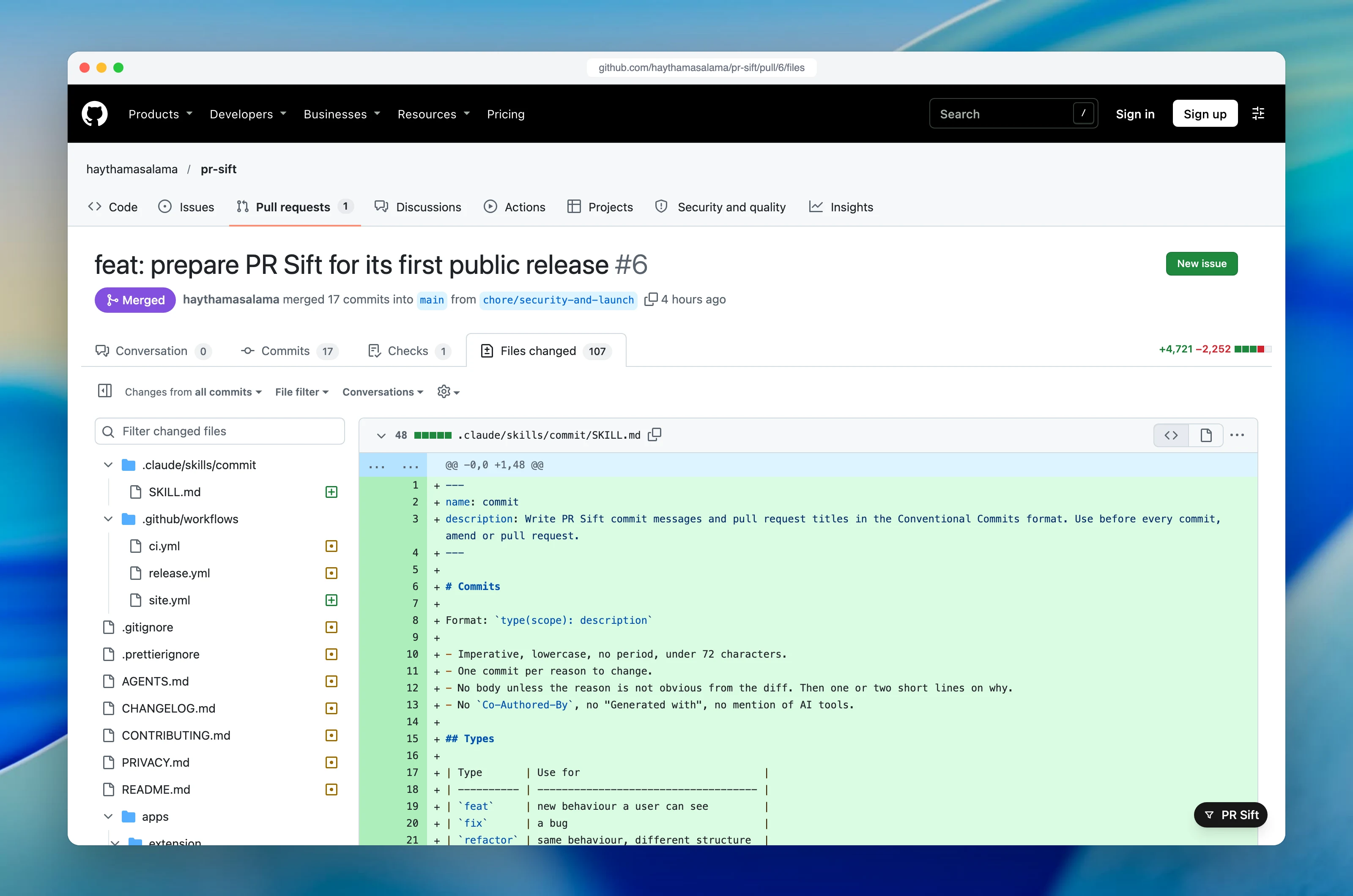
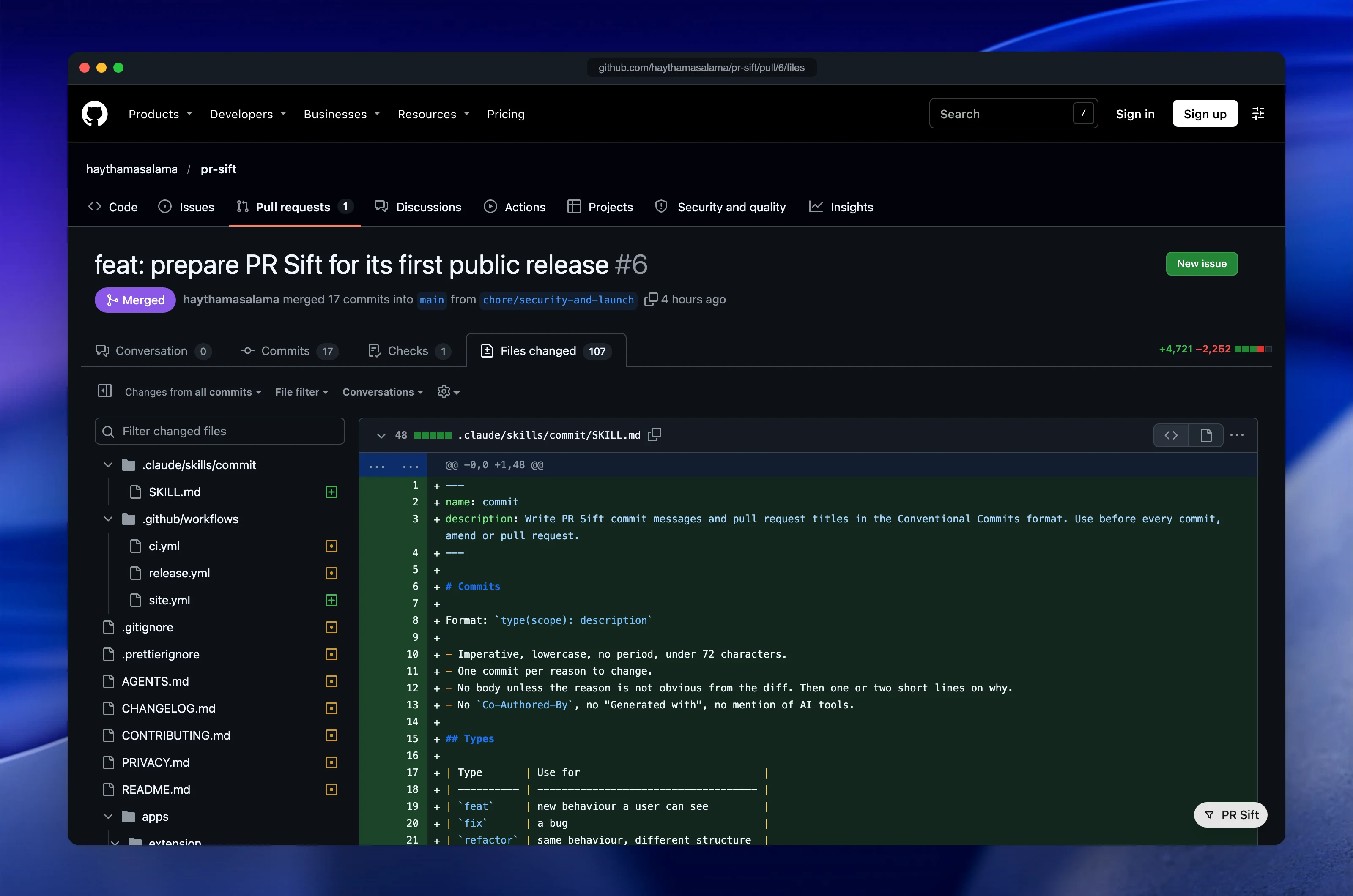
Built in the open
The source code is public. Read it, report a bug or send a pull request.
Your code stays in your browserNo server, no account, no analytics. PR Sift only talks to GitHub.
PR Sift and the tools you know
Feature by feature, from each tool’s official pages.
| Feature | PR Sift | GitHub Files changed | Refined GitHub | Octotree | File Tree Filter |
|---|---|---|---|---|---|
| Price | Yes: Free | Yes: Included | Yes: Free | Partly: PR tree needs Pro, $35 a year | Partly: $4.99 once |
| Public source code | Yes: PolyForm Shield | No: No | Yes: MIT | Not listed: Not listed | Not listed: Not listed |
| Filter by file type | Yes: Including your own endings | Yes: Hide by extension | Not listed: Not listed | Not listed: Search by name | Yes: Yes |
| Filter by change | Yes: Added, modified, deleted, renamed, with notes | Partly: Deleted files only | Not listed: Not listed | Partly: Lines added and removed per file | Not listed: Not listed |
| Combine filters | Yes: Type and change together | Not listed: Not listed | Not listed: Not listed | Not listed: Not listed | No: One pattern at a time |
| Remember hidden types | Yes: On every pull request | Not listed: Not listed | Not listed: Not listed | Not listed: Not listed | Not listed: Not listed |
| Smart categories | Yes: Tests, migrations, translations, config, CI | Partly: Code owner filter | Not listed: Not listed | Not listed: Not listed | Not listed: Not listed |
| Changed-files tree | Yes: With search | Yes: With comment and error markers | Partly: Improves GitHub’s tree | Partly: In Pro | Partly: Filters GitHub’s tree |
| Collapse a whole subtree | Yes: Any folder and its children | Not listed: Not listed | Not listed: Not listed | Yes: Yes | Not listed: Not listed |
| Mark files and folders viewed | Yes: Files and whole folders | Partly: One file at a time | Partly: Shift-click a range of files | Partly: Shows GitHub’s marks, in Pro | Not listed: Not listed |
| Progress | Yes: Files left in a ring | Yes: Bar in the header | Partly: Jump to the next unviewed file | Not listed: Not listed | Not listed: Not listed |
| Viewed resets on change | Yes: By file content | Yes: Yes | Not listed: Not listed | Not listed: Not listed | Not listed: Not listed |
| Private line notes | Yes: Multi-line, stay in your browser | Partly: Pending comments, private until you submit | Not listed: Not listed | Not listed: Not listed | Not listed: Not listed |
| Send notes to AI | Yes: Claude Code, Codex, Cursor, Copilot, Claude, ChatGPT | Partly: Copilot Chat can read the pull request | Not listed: Not listed | Not listed: Not listed | Not listed: Not listed |
| Split view per file | Yes: All files or one file | Partly: Global setting only | Partly: Unified where split does not help | Not listed: Not listed | Not listed: Not listed |
| No account needed | Yes: Token optional | Yes: Built in | Yes: No account | Partly: Free account for some features | Yes: No account |
Yes Partly No Not listedFrom official pages, 10 November 2026.
Questions
Is PR Sift free?
Yes, for everyone, including at work. The source code is public under the PolyForm Shield license.
Does it send my code anywhere?
No. It only talks to GitHub. Notes go to your clipboard when you copy them.
Do I need a GitHub token?
No. A token is only used to post a note as a review comment.
How is it different from the GitHub file filter?
It combines type and change filters, remembers hidden types, groups files, marks folders as viewed and adds private notes.
Which browsers does it support?
Chrome, Edge, Brave, Arc, Dia, Opera, Vivaldi and other Chromium browsers.
Does it work on private repositories?
Yes, anything you can open on github.com. GitHub Enterprise Server is not supported yet.